Local SEO Adelaide: How to Rank in Google's Map Pack in 2026
A practical guide for Adelaide businesses that want to show up in Google's map pack: how local rankings work, what to fix on your Google Business Profile, and a 90-day plan to follow.
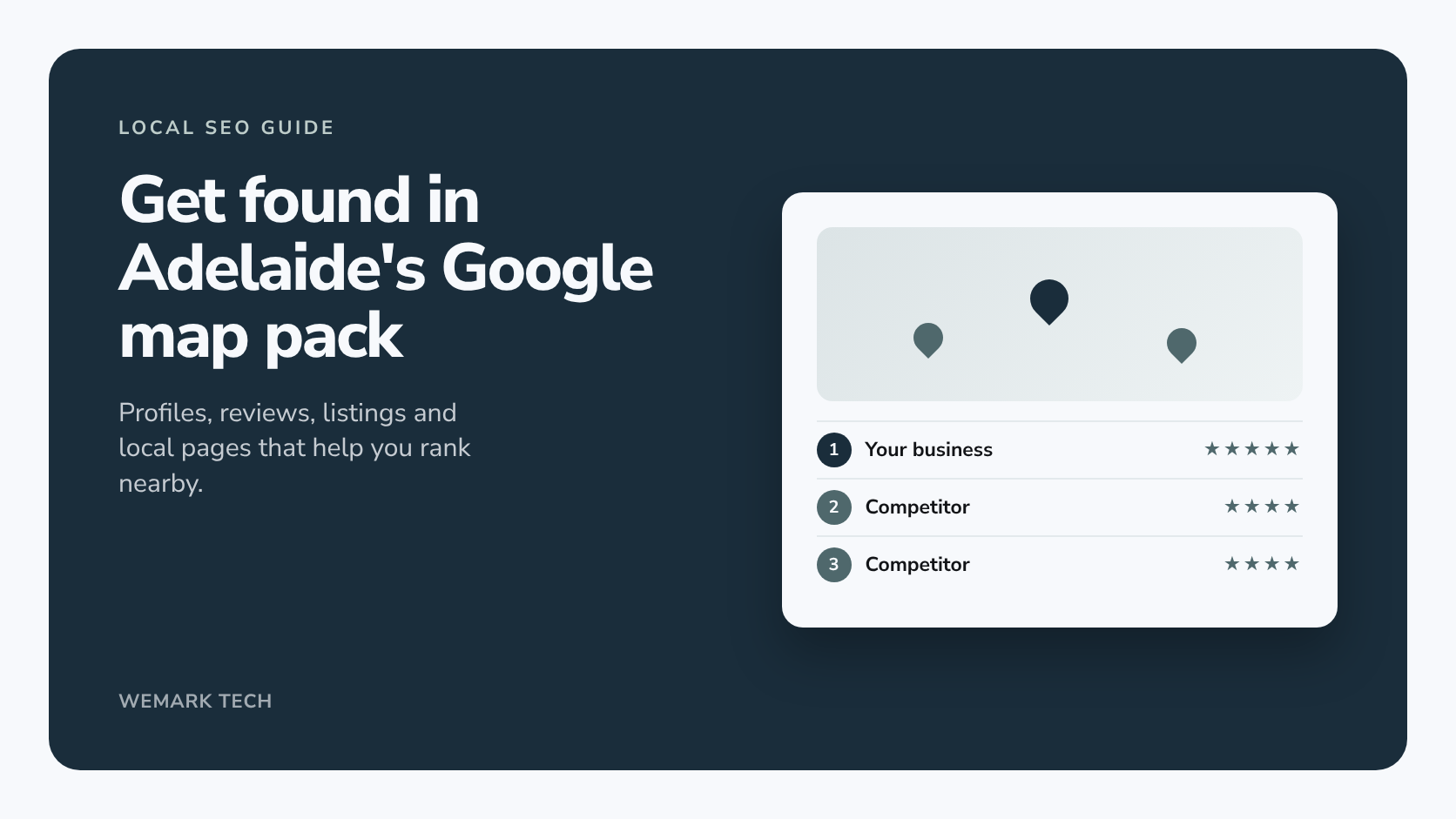
Short answer: to rank in Google's map pack and local results in Adelaide, you need a complete, accurate Google Business Profile with the right primary category, a steady flow of genuine reviews, consistent business details across the web, and a website that clearly says what you do and where. Google says local results are based mainly on relevance, distance and prominence, and you can influence two of those three.
For many Adelaide searches, the map pack is the first thing people see. When we checked "seo adelaide", "web developer adelaide", "logo design adelaide" and "graphic design adelaide" in October 2026, Google showed a 3-pack of map results above the organic listings. The businesses in those packs typically had between 10 and 70-plus Google reviews, a primary category matching the search, and photos. None of that is out of reach for a small business.
How does Google rank local businesses?
Google's Business Profile help page on improving local ranking says local results are based primarily on three things:
- Relevance: how well a Business Profile matches what someone is searching for. Google's advice is to add complete, detailed business information.
- Distance: how far each possible result is from the location used in the search. If someone doesn't type a location, Google uses what it knows about where they are.
- Prominence: how well known a business is. Google says this draws on information from across the web, like links, articles and directories, and that review count and review score factor into local ranking.
Google also says a business further away can outrank a closer one if it's more likely to have what the searcher wants, and that there's no way to request or pay for a better local ranking. You can't move your premises for every searcher, so the work goes into relevance (your profile and website) and prominence (reviews, listings, links and mentions).
Google Business Profile optimisation checklist
Your profile is free, and it's the first thing to get right.
Primary and secondary categories
Your primary category tells Google what you are, so choose the most specific one for your core business. A designer who mainly does logos should probably be "Graphic designer", not a broad marketing category. Add secondary categories only for genuine other services. A useful check is the primary category used by businesses already in the map pack for your main search.
Services and products
Google suggests services based on your category, and you can add custom ones. Use the words customers use, with a short plain description for each. Retailers can add in-store products through the Product Editor.
Business description
You get up to 750 characters and no links. Say what you do, who for, where you work and what makes you different, with the most important part first. Don't paste in a list of 40 suburbs, and keep promotions and prices out of it.
Hours, including special hours
Set regular hours, then add special hours for public holidays, including South Australian ones such as Adelaide Cup Day and Proclamation Day, and for closures or holiday trading. If parts of your service run on different times, such as deliveries or online appointments, use "More hours".
Photos
Add your logo, a cover photo and real photos of your premises, signage, team and work. Google's guidance is that photos should be in focus, well lit and free of heavy edits or filters. Stock photos tell a customer nothing. Add new photos as jobs are finished rather than all at once.
Posts and updates
Updates let you share news, offers and events, such as a finished project or a new service. Treat them as proof the business is active, not a ranking shortcut.
Attributes
Attributes describe features such as wheelchair access or online appointments, and the options depend on your category. Tick everything that's true and nothing that isn't.
Service area or shopfront: should you show your address?
Google's rule: if customers don't visit you at your business address, hide it and set service areas instead. A plumber working from home in Salisbury should hide the address. A business with a staffed office customers visit, which also travels to clients, can show the address and add service areas. Google says your service area shouldn't extend beyond about two hours' drive from your base. PO boxes and virtual offices aren't valid addresses, and duplicate profiles for the same business can be suspended.
What happened to Questions and Answers? Google has phased out the public Q&A section on Business Profiles. It's being replaced by AI-generated answers in Maps ("Ask Maps"), which draw on your profile, reviews and website and are rolling out country by country. You can't write those answers yourself, so a complete profile and a website that answers common questions clearly are what count. That's the same groundwork behind AI SEO for ChatGPT, Gemini and AI Overviews.
How to get more Google reviews the right way
Reviews are a prominence signal Google names directly, and they're what customers read before they call.
Ask every customer, the same way
- Get your review link or QR code from your Business Profile and add it to invoices, follow-up emails, texts and the counter.
- Ask at the same point for everyone, such as when a job is signed off, not only when you think they're happy.
- Have the person who did the work send a short, personal request.
- You can ask people to mention what you did for them, but never write the review for them.
Respond to every review
Thank people for positive reviews and mention something specific. For negative ones, stay calm, acknowledge the issue, keep the customer's private details out of it and offer to sort it out directly.
What not to do
The ACCC says fake reviews, including ones written by the business or by someone who hasn't used the product or service, breach the Australian Consumer Law. Businesses also must not suppress genuine negative reviews, and incentivised reviews must be clearly disclosed. The ACCC has flagged review services that send happy customers to post publicly while steering unhappy ones to private feedback.
Google's policy is stricter. It prohibits offering payment, discounts or free goods or services for a review, or for changing or removing a negative one, and it prohibits discouraging negative reviews or selectively asking for positive ones. So:
- don't review yourself or ask staff, friends or family to
- don't offer any reward for a Google review
- don't buy reviews or join review-swap groups
- don't "gate" requests so only happy customers get the link
- only report reviews that genuinely break Google's policies
NAP consistency and Australian directories worth claiming
NAP means name, address and phone number. Keep them identical on your profile, your website footer and every listing, down to the format. After a move or a number change, old listings are the first thing to fix. Google names directories as a prominence source, so claim and check these:
- Apple Business (Apple Business Connect was merged into it in 2026), for Apple Maps, Siri and Wallet
- Bing Places for Business, which can import your Google Business Profile details
- Yellow Pages, which offers a free basic listing
- True Local, Hotfrog and StartLocal
- Yelp, worth claiming if a page already exists for your business
- Industry associations, whose member directories are trusted listings in your field
You don't need hundreds of listings, just the ones people use, with identical details.
Suburb pages without doorway spam
Google's spam policies list "multiple domain names or pages targeted at specific regions or cities that funnel users to one page" as doorway abuse. The classic example is 30 suburb pages with identical text and a different suburb name swapped in.
Instead, build a strong service page and an Adelaide page, then add an area page only when you have something specific to say: work done there, real photos, travel times, local considerations and FAQs. Group small suburbs into regions you genuinely serve. For example:
| Area | Local detail a useful page could cover |
|---|---|
| Adelaide CBD | Office and apartment work, building access, parking, after-hours jobs |
| North Adelaide | Heritage homes and the extra care renovations need |
| Prospect and Norwood | Character villas, and businesses on Prospect Road and The Parade |
| Glenelg | Coastal conditions, Jetty Road traders, holiday rentals |
| Mawson Lakes and Salisbury | Newer housing estates, business parks and northern trade businesses |
| Marion | A large southern residential catchment, including Hallett Cove |
| Adelaide Hills | Travel times to Stirling or Mount Barker, bushfire-prone area considerations |
Local links: sponsorships, media, chambers and partners
- Sponsorships: local sports clubs, school events and community festivals often list sponsors with a link. Back ones you'd support anyway.
- Local media: Adelaide news sites and community publications cover businesses with a genuine story, like a new location or a community project.
- Chambers and associations: the South Australian Business Chamber (formerly Business SA), suburb business groups and industry associations often have member directories.
- Suppliers and partners: ask to be listed on "where to buy", "approved installer" or partner pages.
Skip paid link packages and low-quality link networks. They're one reason most Adelaide SEO campaigns fail.
How to track local SEO results
- Business Profile performance: shows the search terms that found your profile, plus calls, direction requests, website clicks, messages and bookings. Calls only count taps on the call button.
- Search Console: filter queries containing "adelaide" or suburb names, and watch your service and area pages.
- Analytics: add UTM tags to your profile's website link so those visits show separately.
- Calls and direction requests: the closest thing to revenue, so log enquiries and ask how people found you.
- Rank grids: map rankings change with the searcher's location. A geo-grid tracker checks your position from points across a map, so you might rank well in Prospect but not in Glenelg. Check monthly.
A 90-day local SEO plan for Adelaide businesses
| When | Focus | What to do |
|---|---|---|
| Days 1 to 14 | Foundations | Verify your profile, fix categories, hours, description, services, attributes and address settings, and record baseline metrics and a rank grid |
| Days 15 to 30 | Profile and reviews | Upload real photos, publish an update, add your review link to invoices and follow-ups, reply to existing reviews |
| Days 31 to 60 | Listings and pages | Claim Apple Business, Bing Places and key directories, fix inconsistent listings, improve your service and Adelaide pages, add one or two genuine area pages |
| Days 61 to 90 | Prominence | Approach sponsors, partners and associations for links, keep posting and asking for reviews, compare against your baseline and plan the next quarter |
Common local SEO mistakes
- Keywords in the business name. "Smith Plumbing" shouldn't become "Smith Plumbing Adelaide Emergency Plumber".
- A vague primary category chosen because it sounds bigger.
- Showing a home address customers don't visit, or running duplicate profiles.
- Copy-and-paste suburb pages that say nothing local.
- Set and forget: old photos, no holiday hours, unanswered reviews.
- No tracking, so nobody knows what's working.
How Wemark Tech can help with local SEO
We're an Adelaide team based in Blair Athol. Local SEO is part of our SEO services in Adelaide: Google Business Profile optimisation, a compliant review process, citation clean-up, useful location pages and local links, with reporting agreed as part of the scope. Our digital marketing services in Adelaide can add social media and advertising.
SEO is scoped after a consultation. For market pricing, see how much SEO costs in Australia, and before hiring anyone, including us, read the questions to ask an SEO agency in Adelaide. We don't guarantee rankings.
Frequently asked questions
How long does local SEO take to work?
Fixing profile basics can show an effect fairly quickly, while reviews, listings and links build over months. It depends on your starting point and how competitive your category is in Adelaide.
Can I rank in the map pack without a shopfront?
Yes. Service area businesses can appear with the address hidden. You still need a real, verifiable address behind the profile, and distance still matters, so you're most likely to show for searches near your base.
Should I add "Adelaide" to my business name on Google?
Only if it's part of your real business name and appears on your signage. Adding locations or keywords breaks Google's guidelines and can get your profile suspended.
How many Google reviews do I need?
There's no fixed number. In our October 2026 checks, map pack businesses for searches like "seo adelaide" typically had between 10 and 70-plus reviews. Aim for a steady flow of genuine reviews and reply to each one.
Do I need a page for every suburb?
No. Build pages only where you can say something specific and useful. A few genuine area pages beat dozens of near-identical ones.
The bottom line
Local SEO in Adelaide comes down to being the most relevant, credible choice near the searcher. Get your Google Business Profile right, ask every customer for an honest review, keep your details consistent, build pages that help, and track the calls that follow. For a second opinion on where you stand in the map pack, talk to our team.