AI for Small Business in Australia: 12 Practical Uses and Costs
AI can save a small business real hours, but only when it's pointed at the right job. Here are twelve practical use cases, what they cost, and the guardrails Australian businesses need.
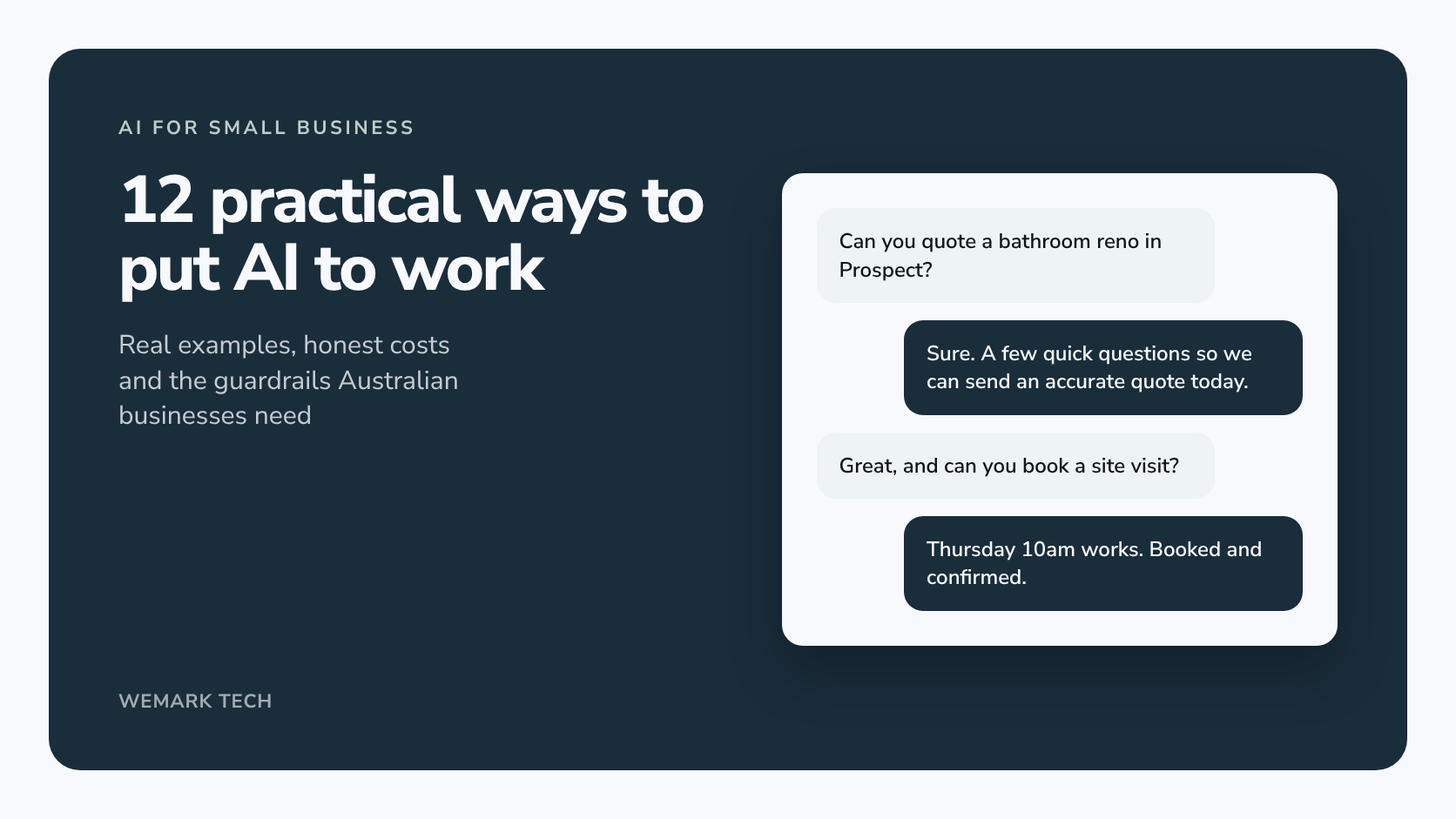
Short answer: the most useful AI for a small business in Australia isn't a robot employee. It's a set of practical helpers that answer enquiries, draft quotes and emails, follow up leads and sort paperwork, with a person checking anything that matters. Start with one repetitive, low-risk process, use the AI already in tools you pay for, and go custom only when a job crosses several systems.
Below are twelve realistic use cases with examples, indicative costs and the guardrails that apply in Australia.
What can AI actually do for a small business?
AI is good at reading, writing, sorting and summarising, but not reliable enough to run unsupervised where mistakes are costly. Each use case is rated for:
- Effort: low (hours to days in an existing tool), medium (a week or two of setup and testing) or high (several weeks, connecting systems).
- Cost: low (free or tens of dollars a month), medium (hundreds to low thousands to set up) or higher (a custom build, usually several thousand dollars or more).
1. Answering enquiries with an AI chatbot for your website
A website chatbot answers visitors' questions around the clock from information you've approved, then takes details and hands over to a person when it's out of its depth.
Example: an electrician's chatbot answers a 10pm question about switchboard upgrades and books a callback for the morning.
Effort: low to medium. Cost: low, or medium if connected to your CRM or bookings.
2. Faster quotes
AI turns notes, voice memos or site photos into a draft quote from your price list and terms, for you to check and send.
Example: a bathroom renovator dictates notes after a site visit and has a draft quote waiting at home.
Effort: medium. Cost: low to medium.
3. Email and inbox triage
AI sorts incoming mail, flags what's urgent, summarises long threads and drafts routine replies. Many email platforms now include this.
Example: an accounting practice routes new-client enquiries to the principal and supplier invoices to accounts.
Effort: low. Cost: low.
4. Lead follow-up
Automation acknowledges every enquiry instantly, AI drafts a relevant reply, and the right person is reminded until the outcome is recorded. Promotional follow-ups must meet the Spam Act: consent, clear sender identification and a working unsubscribe.
Example: a real estate office's Saturday appraisal enquiry gets an instant reply, and the agent's call is booked into their day.
Effort: medium. Cost: medium.
5. Appointment booking and reminders
Booking reminders are mostly plain automation, and that's fine. AI can also handle messages like "can I move Thursday?" within your rules.
Example: a physio clinic automatically offers cancelled slots to its waitlist, while reception handles anything unusual.
Effort: low. Cost: low.
6. Drafting content and social posts
AI is a fast first-draft writer for product descriptions, social posts, newsletters and listing copy. Check every claim, because you're responsible for what it says.
Example: a homewares retailer turns new-stock photos and dot points into product descriptions and a week of social posts.
Effort: low. Cost: low.
7. Summarising meetings and calls
AI note-takers in Zoom, Microsoft Teams and Google Meet (in some paid plans or as an add-on) list decisions and actions. Get consent before recording, as the laws differ between states and territories.
Example: a builder's site meeting summary reaches the client and trades the same afternoon.
Effort: low. Cost: low.
8. Bookkeeping support
Accounting software now builds AI in; Xero, for example, has added AI-assisted bank reconciliation. Suggestions aren't tax advice, so check with your accountant or BAS agent before changing how GST or payroll is handled.
Example: a café owner photographs supplier receipts and reviews the suggested bank matches each week.
Effort: low. Cost: low.
9. Reporting
An automation pulls figures from your systems on a schedule and AI writes a plain-English summary of what changed.
Example: a retailer's Monday summary covers last week's sales, ad spend and website enquiries, with anything unusual flagged.
Effort: medium. Cost: medium.
10. Document processing
AI reads invoices, dockets, forms and PDFs and files the key details in the right system, flagging anything uncertain for a person.
Example: a plumbing business's supplier invoices land against the right job without anyone retyping them.
Effort: medium to high. Cost: medium to higher.
11. A customer support knowledge base
AI turns answers buried in old emails into consistent help articles and suggested replies for staff, which can also feed your website chatbot.
Example: an online clothing store builds a help centre from past emails about shipping, returns and sizing.
Effort: medium. Cost: low to medium.
12. An internal how-to assistant for staff
An internal assistant answers questions like "how do we process a refund?" from your own procedures, provided they're kept current.
Example: a new property manager checks the office's maintenance request process without interrupting a colleague.
Effort: medium. Cost: low to medium.
Off-the-shelf AI tools or custom automation?
Most small businesses should start off the shelf, including the AI inside software they already pay for. Custom AI automation for a small business makes sense when a process crosses several systems, runs at volume or must follow your rules exactly.
| Factor | Off-the-shelf AI tools | Custom automation |
|---|---|---|
| Best for | Drafting, summarising, inbox sorting and simple chatbots | Lead handling, quoting, documents and reporting across several systems |
| Time to start | Same day to a week | A few weeks, including mapping and testing |
| Upfront cost | Low or none | Hundreds to several thousand dollars or more |
| Ongoing cost | Monthly, per user or per message | AI usage, hosting and any support plan |
| Fit and control | You adapt to the tool and the vendor's data terms | It fits your process, and you decide where data goes and where people approve |
| Main risk | Workarounds and copy-pasting between tools | Paying to automate a process that isn't working yet |
When is it worth hiring an AI automation agency?
It's worth it when a task costs real hours every week, involves several systems or has your team copying data between screens, but not when your software already does the job. A good agency maps your process before naming tools. Our complete guide to AI automation for Australian businesses covers how to choose one.
How to get started: automate one process first
- Track your week. List repetitive tasks, how often they happen and how long they take.
- Pick one task. Choose something frequent, rule-based and low-risk if it goes wrong, such as enquiry handling.
- Write it down. On one page: what starts it, what comes in, the decisions, what goes out and the exceptions.
- Check your existing tools. Your email, accounting, CRM or booking software may already do it.
- Build the smallest version with a human approval step. A person approves anything before it reaches a customer.
- Test on real examples, including awkward ones like the angry email or the half-completed form.
- Review after a month. Is it saving time, and does the team trust it? Then improve, expand or switch it off.
How much does AI cost a small business in Australia?
Anything from nothing extra to tens of thousands of dollars. These indicative ranges are based on what Australian providers and vendors advertise in 2026; check GST and usage limits.
| What you're paying for | Indicative cost |
|---|---|
| AI features in software you already use | Often included, or a per-user add-on |
| Business AI assistants, such as ChatGPT, Microsoft Copilot or Gemini | Tens of dollars per user per month |
| Self-serve website chatbots and bundled packages | Tens to a few hundred dollars a month, depending on features and volume |
| Automation platforms, such as Zapier, Make or n8n | Free tiers, then tens of dollars a month or more as volume grows |
| A chatbot or single workflow set up by a provider | Several hundred dollars to low thousands one-off, often plus a monthly fee |
| Custom automation across several systems | Fixed-price builds advertised from around $4,000; one agency guide puts most small business projects at $5,000 to $25,000 |
Running costs for a custom build can be just tens of dollars a month in AI usage. The biggest hidden cost is your time: documenting, testing and checking the AI's work early on.
Risks and guardrails for using AI in your business
Accuracy and hallucinations
AI can give confident answers that are wrong, often called hallucinations, such as an invented price or policy. Limit customer-facing tools to approved information, have them hand over when unsure, and review conversations.
Keep a human in the loop
Let AI draft, sort and suggest, but keep people responsible for quotes, refunds, advice, complaints and decisions about individuals. A clinic's chatbot should never give clinical advice.
What are your privacy obligations when using AI in Australia?
The Privacy Act generally applies to businesses with annual turnover above $3 million, but some smaller businesses are covered regardless, including health service providers and businesses that trade in personal information. The Office of the Australian Information Commissioner (OAIC) has published guidance on using commercially available AI products. In general terms, it says:
- privacy obligations apply to personal information you put into an AI product and to output containing it, even if what it generates about a person is wrong
- do due diligence before choosing a product, including human oversight and who can access the data
- use personal information only for the purpose it was collected for, unless the person consents or would reasonably expect the other use
- explain your use of AI in your privacy policy and notices, and clearly identify public-facing tools such as chatbots as AI
The OAIC's best-practice recommendation: don't enter personal information, and particularly sensitive information such as health information, into publicly available generative AI tools.
From 10 December 2026, covered businesses that use personal information in automated decisions that could significantly affect people must also explain this in their privacy policy. Even if you're exempt, following the guidance is sensible. This is general information, not legal advice.
Protect customer data and train your staff
Before switching anything on, find out where the data goes, whether the vendor trains models on it and who can access it. Use business accounts, not personal ones. Then write a one-page AI policy covering approved tools, what must never be entered and what must be checked, because the easiest mistakes are human ones: pasting a client file into a free chatbot, or sending a draft unread.
AI is also changing how customers find your business
People now ask ChatGPT, Perplexity, Gemini and Google's AI Overviews questions like "who's a good builder for an extension in Adelaide?" and get a written answer naming a few businesses. Google has also brought AI Mode to Australian search. Those answers draw on websites that are clear, well structured and trusted, and on what other sites and reviews say about you.
That's why AI SEO now sits alongside traditional SEO. For the background, read what AI search means for SEO in 2026.
How Wemark Tech can help
We build automations the way we build our own software: process first, technology second. LeadGlue, our lead management platform for real estate agencies, has an automated follow-up engine that puts a clock on every enquiry, books the next follow-up, escalates overdue calls and reassigns leads nobody has acted on. We also built the Wemark Real Estate website (wemark.com.au) in-house, including an AI assistant that answers visitor questions. See both on our work page.
Our AI automation services cover enquiry handling, data movement, content operations, reporting and internal admin, with human approval where judgement or risk is involved. If your chatbot or booking flow needs a better home, we handle website development in-house too. AI automation pricing isn't published; we scope it after a consultation.
Frequently asked questions
What is the best AI for a small business?
There isn't a single best tool. Start with the AI built into software you already use, such as Microsoft 365, Google Workspace or your accounting software, plus one business AI assistant for drafting. Add custom automation when a specific process justifies it.
Is an AI chatbot worth it for a small business website?
Yes, if you get a steady flow of repeat questions or after-hours enquiries. Less so if you get a few enquiries a week and answer them quickly. Either way, keep it to approved information.
Can I put customer information into ChatGPT?
The OAIC recommends, as best practice, not entering personal information into publicly available generative AI tools. If AI needs to work with customer data, use a business product with clear data terms and make sure your privacy policy covers it.
Will AI replace my staff?
For most small businesses, no. It takes on repetitive work such as data entry, sorting and first drafts, so people spend more time with customers and checking its work.
The bottom line
AI works best in a small business when it's a little boring: one repetitive process, done reliably, with a person checking what matters. Start with tools you already have, keep customer data out of public tools and train your team. If you'd like help working out where to start, talk to our team.